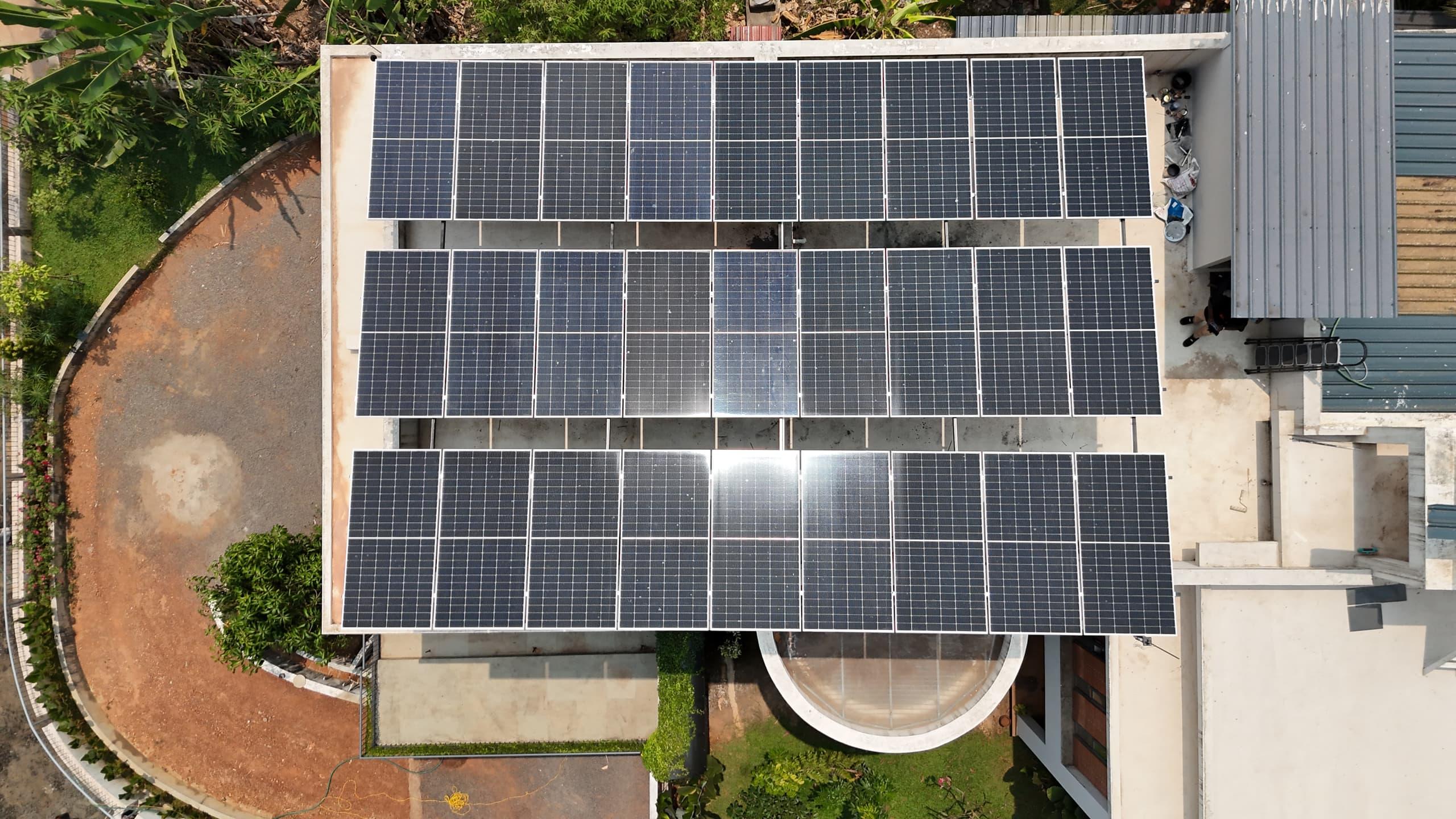


Remote monitoring is the difference between finding out your system has stopped today and finding out on next month's bill. Deye and Sofar inverters, which we install on a large share of our hybrid and on-grid systems, both report to the SolarMan platform through a small WiFi datalogger that plugs into the inverter's communication port. Setting it up takes ten minutes when the WiFi is good and an afternoon when it is not, and the difference is almost always signal strength. Here is the process from a 10 kW Deye installation in Kochi, running 7 kW of panels.
What the datalogger is, and what its lights mean
The logger is a stick that plugs into the RS232 COM port on the inverter. It carries three LEDs: NET, COM and READY. Once configured and working, COM is steady, meaning it is talking to the inverter; NET is steady, meaning it has the internet; and READY blinks. If NET never lights, the logger has no network, and no amount of app fiddling will fix that. It also only works on 2.4 GHz WiFi. Many home routers now broadcast 5 GHz as well; the logger will not see that band, so make sure the 2.4 GHz network is enabled and that you know its password.
Check the signal before you do anything else
This is the step people skip and then spend an evening on. Stand where the inverter is mounted, usually outside or in a utility area, and check the WiFi bars on your phone. You want four bars for reliable, continuous data. At the Kochi site the router sat two rooms away through concrete walls and the inverter saw two bars, which is enough to connect and not enough to stay connected; the data would arrive in patches and the owner would assume the logger was faulty.
The fix is a WiFi repeater placed between the router and the inverter. We used a Digisol unit; D-Link and others make the same thing, in the ₹1,500 to ₹1,800 range. It rebroadcasts the home network as a new one with a strong signal at the inverter, and the logger connects to that. It is the cheapest part of the whole system and the one that decides whether monitoring works.
The setup, in order
Plug the logger into the inverter's COM port. All three LEDs blink, then READY keeps blinking: it is waiting to be configured. Hold the small reset button on the logger for a few seconds first, to clear any previous network it may remember; you will see COM and READY flicker as it resets.
The logger now broadcasts its own WiFi network, an access point named with the logger's serial number. It has no internet; it exists only so your phone can talk to the logger. Open your phone's WiFi settings, join that network, and enter the password printed on the logger. Some phones will warn that the network has no internet and offer to switch back; tell it to stay.
Now open the SolarMan app. If this is a new installation, create an account, then create a plant, named for the customer, and add the inverter to it. Then, at the top right, choose Add datalogger and scan the serial number on the logger. The app lists nearby WiFi networks; select your home network, or the repeater's network if you fitted one, and enter its password. The app calibrates for a few seconds and reports connected. Back at the inverter, NET and COM go steady. In the app's device list the inverter and the logger both show their status, and generation begins appearing within a few minutes.
When it still does not connect
Nearly every failure is one of four things. The phone is still on the logger's access point when the app tries to reach the internet; switch back to your home WiFi after the scan step. The network you chose is 5 GHz; pick the 2.4 GHz one. The password was typed wrong, easy to do on a phone outdoors in sunlight. Or the signal is too weak at the inverter, which shows as a connection that works during setup and drops afterwards; that is the repeater case.
Once it is running, the payoff is larger than a graph. We hold installer access on the same platform, so when a system throws a fault we can often see what it is before anyone drives out: an AC-side trip shows as no AC voltage, and a phone call to check the meter and the DB solves it. For the owner, the app shows what the roof made today, this month, this year, and, on a hybrid, what the battery gave back. If your system has no monitoring, this is a small addition worth asking for, on almost any inverter brand sold in Kerala.
Your roof, next
Want these numbers for your own house?
A free one-hour roof survey by a SEDNA engineer. Honest size, subsidy filed, quote in writing.
- 4.9 on Google
- 2,500+ installations
- MNRE-approved
- Since 2009